
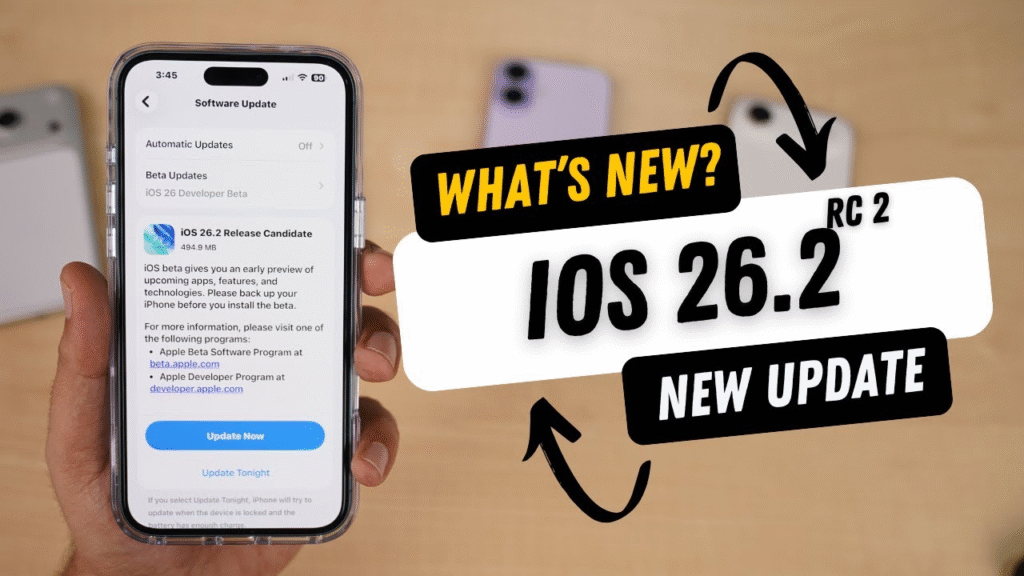
Apple continues to refine the iPhone experience with the release of iOS 26.2, a software update that focuses on performance improvements, smart feature upgrades, and important bug fixes. While it may not be a massive redesign, iOS 26.2 delivers meaningful changes that improve everyday usability, security, and system stability.
Whether you’re an iPhone power user or a casual user, this update brings noticeable enhancements that make your device feel smoother and more reliable.
What Is Apple iOS 26.2?
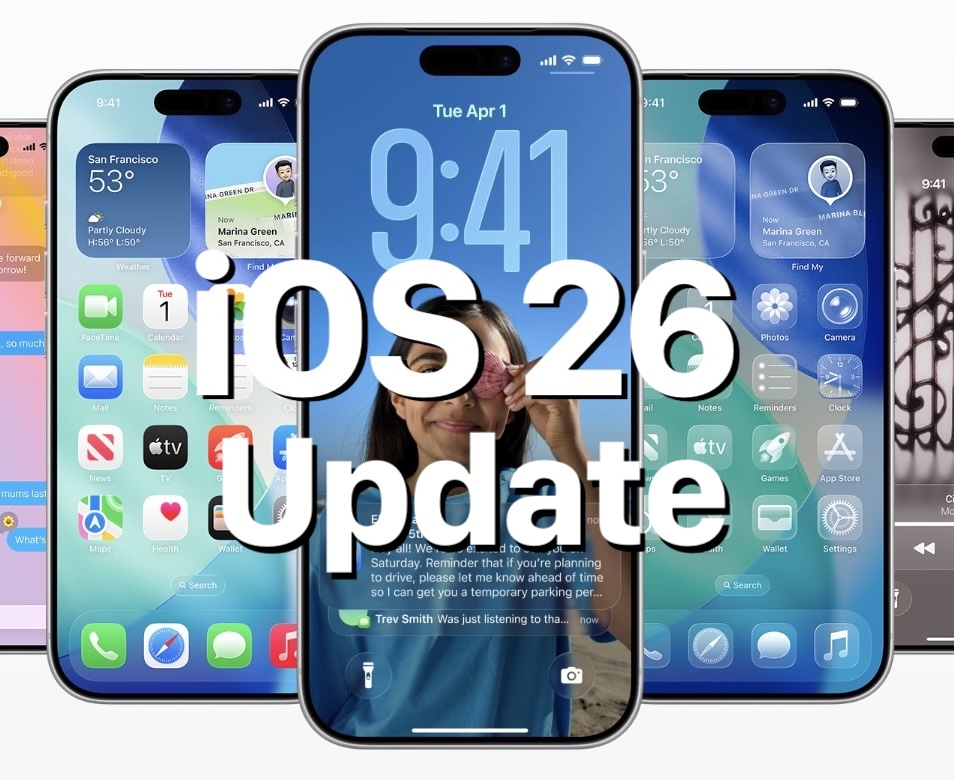
iOS 26.2 is a mid-cycle update designed to polish the core features introduced in iOS 26. Apple has focused on fixing reported issues, improving battery performance, and enhancing apps like Apple Music, AirDrop, and system UI elements.
This update is compatible with most iPhones that support iOS 26 and is recommended for all users due to its security and performance upgrades.
What’s New in iOS 26.2?
Refined User Interface Enhancements
Apple has made subtle UI improvements to make navigation more fluid and visually consistent. Animations feel smoother, system menus respond faster, and visual glitches reported in earlier versions have been addressed.
These refinements may be small, but they significantly enhance the overall iPhone experience.
Apple Music Improvements
One of the standout updates in iOS 26.2 is within Apple Music:
- Improved offline playback reliability
- Faster lyric syncing
- Better performance when switching between tracks
- Reduced app crashes during downloads
Music lovers will notice a smoother and more responsive listening experience.
AirDrop & Connectivity Fixes
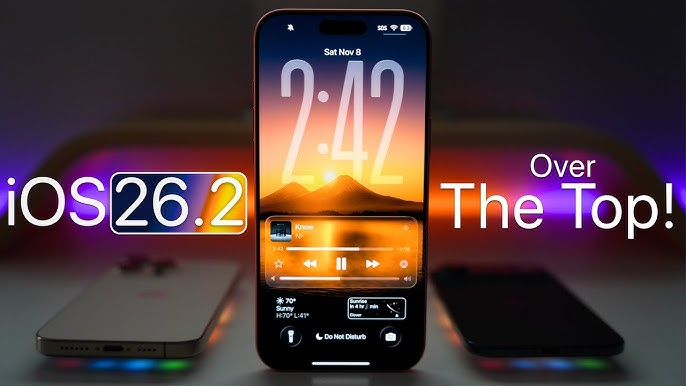
Apple has improved AirDrop stability, especially during large file transfers. Connection drop issues and failed transfers—common complaints in earlier builds—have been minimized.
In addition, Bluetooth and Wi-Fi performance has been optimized for more reliable connections with accessories like AirPods, CarPlay, and smart devices.
Battery & Performance Optimizations
Battery efficiency is always a major concern, and iOS 26.2 delivers:
- Reduced background activity drain
- Improved battery performance on older iPhone models
- Faster app launch times
- Less overheating during prolonged usage
Users upgrading from iOS 26.1 may notice better standby time and smoother multitasking.
Security & Privacy Updates
Apple has included important security patches in iOS 26.2 to protect against vulnerabilities. These fixes strengthen system-level protections and ensure better data privacy.
Updating to iOS 26.2 is highly recommended to keep your iPhone secure from potential threats.
Major Bug Fixes in iOS 26.2
Apple addressed several bugs reported by users, including:
- Random app crashes
- Keyboard lag in messaging apps
- Notification delays
- Camera freezing issues
- Face ID reliability problems
These fixes make iOS 26.2 one of the most stable versions of iOS 26 so far.
Should You Update to iOS 26.2?
Yes—absolutely.
If you value smoother performance, better battery life, and improved app reliability, iOS 26.2 is worth installing. Even if you didn’t face major issues earlier, the security updates alone make this release important.
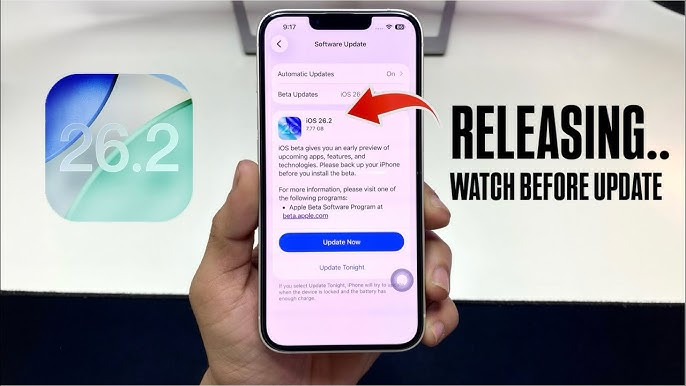
How to Download iOS 26.2
- Open Settings
- Tap General
- Select Software Update
- Download and install iOS 26.2
Make sure your device is connected to Wi-Fi and has sufficient battery or is plugged in.
Apple iOS 26.2 may not introduce flashy new features, but it excels where it matters most—performance, stability, and reliability. With improved Apple Music features, smoother connectivity, better battery optimization, and critical bug fixes, this update ensures your iPhone runs at its best.
Apple iOS 26.2 – Current Update Information
| Category | Latest Update Details |
|---|---|
| Update Name | Apple iOS 26.2 |
| Update Type | Performance, Stability & Security Update |
| Primary Focus | Bug fixes, system optimization, app improvements |
| User Interface | Smoother animations, reduced UI glitches, faster responsiveness |
| Apple Music | Improved offline playback, better lyric sync, fewer crashes |
| Battery Performance | Optimized background activity, improved standby time |
| AirDrop | More stable file transfers, fewer connection drops |
| Connectivity | Enhanced Wi-Fi & Bluetooth stability |
| Security Patches | Multiple system-level vulnerability fixes |
| Camera Fixes | Reduced freezing, improved launch reliability |
| Face ID | Improved accuracy and responsiveness |
| App Stability | Fixes for random crashes and lag issues |
| Performance Boost | Faster app launches and smoother multitasking |
| Recommended For | All iPhone users running iOS 26 |
| Update Availability | Available via Settings → General → Software Update |
| Installation Size | Moderate (varies by iPhone model) |
| Overall Stability | More stable than previous iOS 26 versions |
#iOS262 #AppleiOS #iPhoneUpdate #AppleUpdate #iOSFeatures #Carrerbook#Anslation#iOSBugFixes #iOSUpdate #AppleNews #TechUpdate #iPhoneTips