
We live so much of our lives through screens that it is easy to forget how much of our personal story is floating around in the cloud. Every time you check your bank balance on your phone, pay for groceries with a tap, stream a show, or log into work from a coffee shop, you are trusting digital networks with your private life.
By 2026, cybersecurity is no longer just something tech departments worry about at massive corporations. It has become an essential life skill for everyday people. Cybercrime isn’t just about a lone hacker in a hoodie typing in a dark room; it involves automated scam networks, fake shopping sites, and sneaky software designed to trick you into handing over the keys to your financial life. Staying safe doesn’t mean becoming a computer engineer, but it does mean building smart digital habits that protect what is yours.
Why Digital Safety Is So Vital Right Now
Think about everything stored on your phone right now: your banking apps, private photos, work emails, saved credit cards, and messages with family. If someone gains access to your main account, they do not just get a password—they get a ticket to impersonate you, drain your savings, or lock you out of your own digital identity.
When you take basic steps to protect your devices and accounts, you:
- Shield your hard-earned money from fraudulent charges and drained bank accounts.
- Keep your private conversations and photos from leaking into the wrong hands.
- Prevent identity thieves from taking out loans or opening credit cards in your name.
- Avoid the massive headache of trying to recover hacked social media or email accounts.
- Protect your family and friends from receiving scam messages that look like they came from you.
- Enjoy using modern tech with real peace of mind instead of constant anxiety.
The Most Common Tricks Scammers Use
Phishing Attacks and Fake Messages
Phishing is just a fancy word for tricking you into falling for a lie. You might get a text message saying a package couldn’t be delivered, an email from your “bank” asking you to verify your account details, or a urgent message from a boss asking for gift cards. Scammers design these messages to create panic or urgency so you click a link and type in your password before you have time to stop and think.
Malware and Hidden Traps
Malware is short for malicious software—it is any code designed to mess up your device or quietly spy on you. It can sneak onto your laptop through suspicious email attachments, shady app downloads, or fake download buttons on free streaming websites. Once inside, it can log your keystrokes, steal your saved passwords, or use your internet connection to launch attacks on other people.
Ransomware Scams
Ransomware is one of the scariest forms of malware. It works by locking down your personal files, photos, and documents with complex encryption, then displaying a notice demanding payment to give you the key back. It hits individuals, local hospitals, schools, and small businesses alike. Having regular backups is usually the only way to recover without paying off criminals.
Identity Theft
If bad actors piece together enough of your personal information—like your full name, date of birth, home address, and social security or national ID number—they can pose as you. They might open new credit accounts, apply for government benefits, or make major purchases, leaving you to clean up the financial wreckage months down the road.
Password Guessing and Breaches
If you use simple passwords or reuse the same password for every single website, you are taking a huge risk. When a minor website suffers a data breach, hackers take those leaked email and password combinations and run them through automated scripts across major platforms like Amazon, PayPal, and banking portals to see where else they work.
Simple Habits That Block Most Cyber Attacks
Create Passwords You Don’t Have to Remember
Using your dog’s name followed by “123” is practically an invitation for a computer program to crack your password in seconds. Instead, use long passphrases made of random words or let a trusted password manager generate complex strings for you. A good password manager stores all your unique logins securely behind one master key, so you only ever have to memorize a single strong password.
Turn On Two-Factor Authentication (2FA)
If an app asks you to enable two-factor or multi-factor authentication, always say yes. This adds an extra protective layer by requiring a second verification step—like a prompt on an authenticator app or a fingerprint scan—whenever you log in from a new device. Even if a scammer manages to steal your password, they still cannot get into your account without that physical second factor.
Hit Update When Your Devices Ask
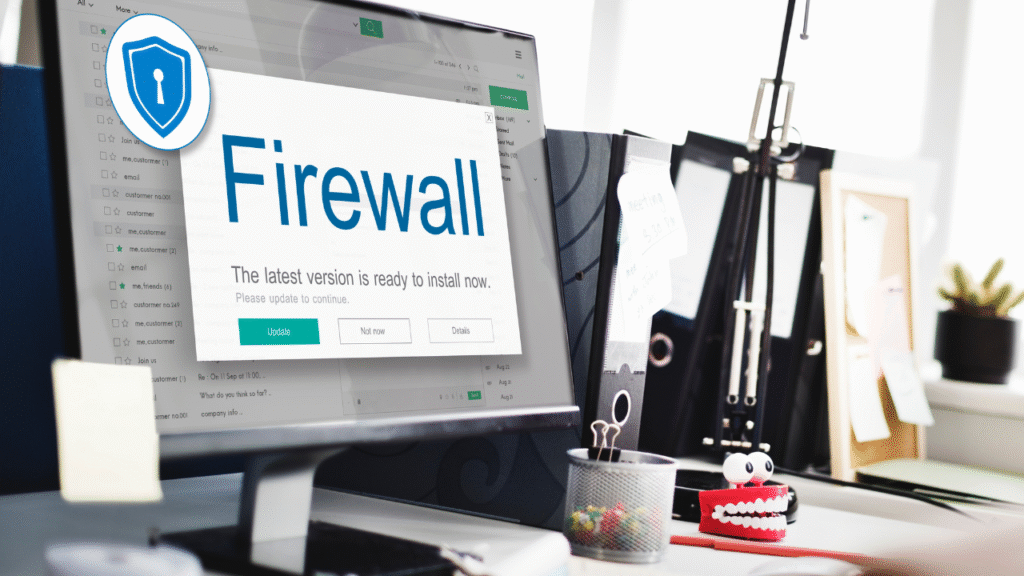
We all hate seeing the “Update Available” pop-up when we are in the middle of working, but those updates are critical. Software updates are not just about adding new emojis; they contain vital security patches that fix known vulnerabilities before hackers can exploit them. Turning on automatic updates for your phone, computer, and web browser is one of the easiest ways to stay protected automatically.
Treat Public Wi-Fi Like a Public Bathroom
Free Wi-Fi at airports, hotels, and cafes is super convenient, but it is completely unencrypted and open. Anyone sitting nearby with basic network tools can potentially see the traffic passing through that open network. Avoid logging into your bank or typing sensitive passwords over public Wi-Fi. If you must use it, fire up a reputable Virtual Private Network (VPN) to scramble your data traffic.
Keep a Fresh Copy of Your Important Files
Hard drives fail, phones fall into water, and ransomware attacks happen. Backing up your irreplaceable photos, documents, and work files to an external hard drive or a secure cloud service ensures that even if your device gets completely wiped or locked, your important memories and data stay safe.
Protecting Your Business in a Connected World

If you run a business—even a small online store or a freelance outfit—cybersecurity is not optional. A single data leak can ruin your reputation and cost you thousands in fines or lost revenue.
To stay protected, businesses need to:
- Educate employees regularly on how to spot sneaky phishing emails and fake invoices.
- Restrict file access so staff members only see the specific data required for their jobs.
- Enforce multi-factor authentication across all company tools and cloud accounts.
- Keep customer payment data encrypted and never store sensitive credit card info on local office PCs.
- Maintain a simple recovery plan so everyone knows what steps to take if an account gets compromised.
Shopping Online Without Getting Ripped Off
Online shopping has never been easier, but fake storefronts and shady ad pop-ups are everywhere. Before you type your card number into a new shopping site:
- Look closely at the web address to make sure the spelling is correct and it starts with
https://. - Use credit cards or trusted payment services like PayPal rather than debit cards, since credit providers offer far better fraud protection.
- Be skeptical of prices that look ridiculously low—if a designer item is listed for 90% off on a random site, it is almost certainly a scam.
- Keep an eye on your bank statements every week so you spot unauthorized charges right away.
Keeping Kids Safe in an Online World

Children grow up using smartphones and tablets before they even start school. Helping them navigate the internet safely is just as important as teaching them how to cross the street.
- Talk openly about online risks without making them feel terrified of technology.
- Set up clear boundary rules about what apps they can download and how long they can stay online.
- Use parental control tools to block explicit content and restrict unknown contacts from messaging them.
- Remind them never to share private details like their school name, home address, or phone number with online friends.
- Create a safe space where they know they can come to you if they see something weird or uncomfortable online without getting into trouble.
Where Cybersecurity Is Heading Next
As technology speeds ahead, the tools we use to defend ourselves are changing too. The big security trends shaping our digital lives include:
- AI-Powered Fraud Detection: Security systems now use smart algorithms to detect weird account activity and block fraudulent logins in real time.
- Going Completely Passwordless: More platforms are replacing passwords with biometric passkeys like facial recognition or fingerprint scans built directly into your devices.
- Zero Trust Architecture: Modern security systems treat every login request like an untrusted visitor, constantly verifying identity instead of trusting a device forever.
- Smart Home Security: As smart TVs, connected security cameras, and voice assistants fill our homes, network routers now include built-in firewalls to keep smart devices isolated and safe.
Rookie Mistakes You Should Stop Making Today
Protecting yourself online does not require perfection—it just requires avoiding the obvious traps that most people fall into:
- Reusing the same password everywhere: If one service gets leaked, all your accounts fall like dominoes.
- Postponing updates for months: Running outdated software leaves old, publicly known security holes wide open.
- Clicking links in surprising emails: Always navigate to a company’s real website directly instead of clicking links inside unexpected messages.
- Over-sharing on social media: Posting photos of your travel plans, boarding passes, or personal details gives scammers the exact info they need to target you.
- Assuming you aren’t worth hacking: Cybercriminals don’t care who you are; automated bots target anyone with an unsecured device or account.
Taking a few minutes today to check your passwords, turn on two-factor authentication, and update your devices will save you countless headaches down the road. Stay curious, stay cautious, and enjoy the digital world safely!